Small jobs, small tools
No install, no sign-up,
right here.
No need to install a program to fix one file. Pick a tool and use it right in your browser. The files you pick never leave your computer.
10 tools한국어 · EnglishNo account

What do you need to do?
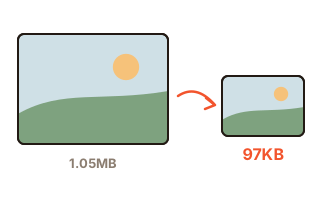
Shrink a photo
When a form says "200 KB max". Type the target size and it finds the best quality that fits. Location data in the photo is removed too.
1.05 MB → 97 KB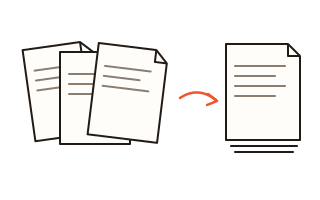
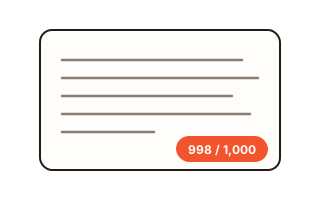
Count words
Fit an application box exactly. Counts with and without spaces, and bytes too.
Stay under 1,000 characters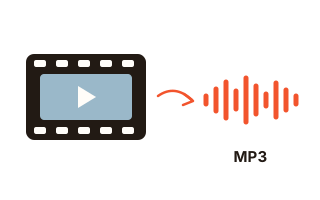
Audio from a video
Pull the sound out of a lecture or meeting recording. As MP3, or left untouched.
1-hour video, untouched: 14 s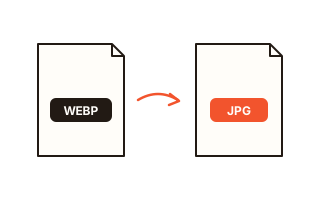
Convert image format
When a site only takes JPG. Switch between JPG, PNG, WebP and AVIF, many files at once.
WebP → JPG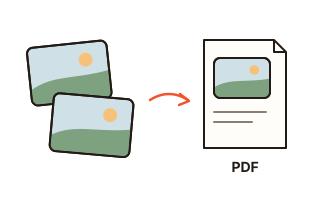
Images to PDF
JPG, PNG, WebP and scanned TIFF files, one image per page. JPGs go in at full quality.
3 photos → 3 pages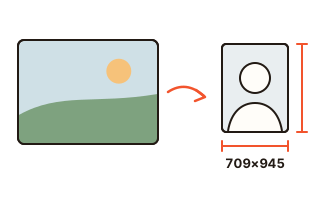
Resize a photo
To a set size, like a 3×4 cm ID photo or a 10×15 cm print, with a file-size cap if you need one.
3×4 cm → 709×945 px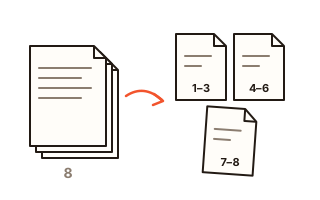
Split a PDF
Pull out the pages you need, or split every few pages or at each bookmark.
8 pages → 3 files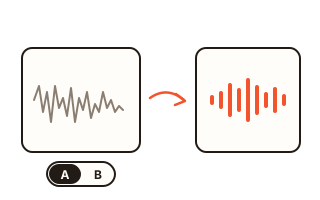
Clean up a voice
Turns down fan and air-con noise and keeps the voice. The picture is not re-encoded.
61-min video in 33 s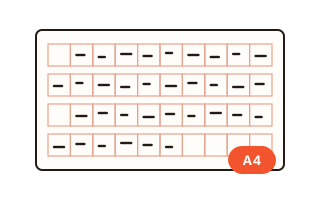
Manuscript paper
Paste your text and it goes into the Korean manuscript grid by the rules. TOPIK 53/54 practice and A4 printing too.
Paste text → the gridA new tool shows up here only after it passes all its tests in a real browser.
No tool matches “”.
Why your files never leave
Most converter sites upload your file to a server, change it there and send it back. Here the browser you are looking at does the work itself, so there is no file to send across the internet in the first place.